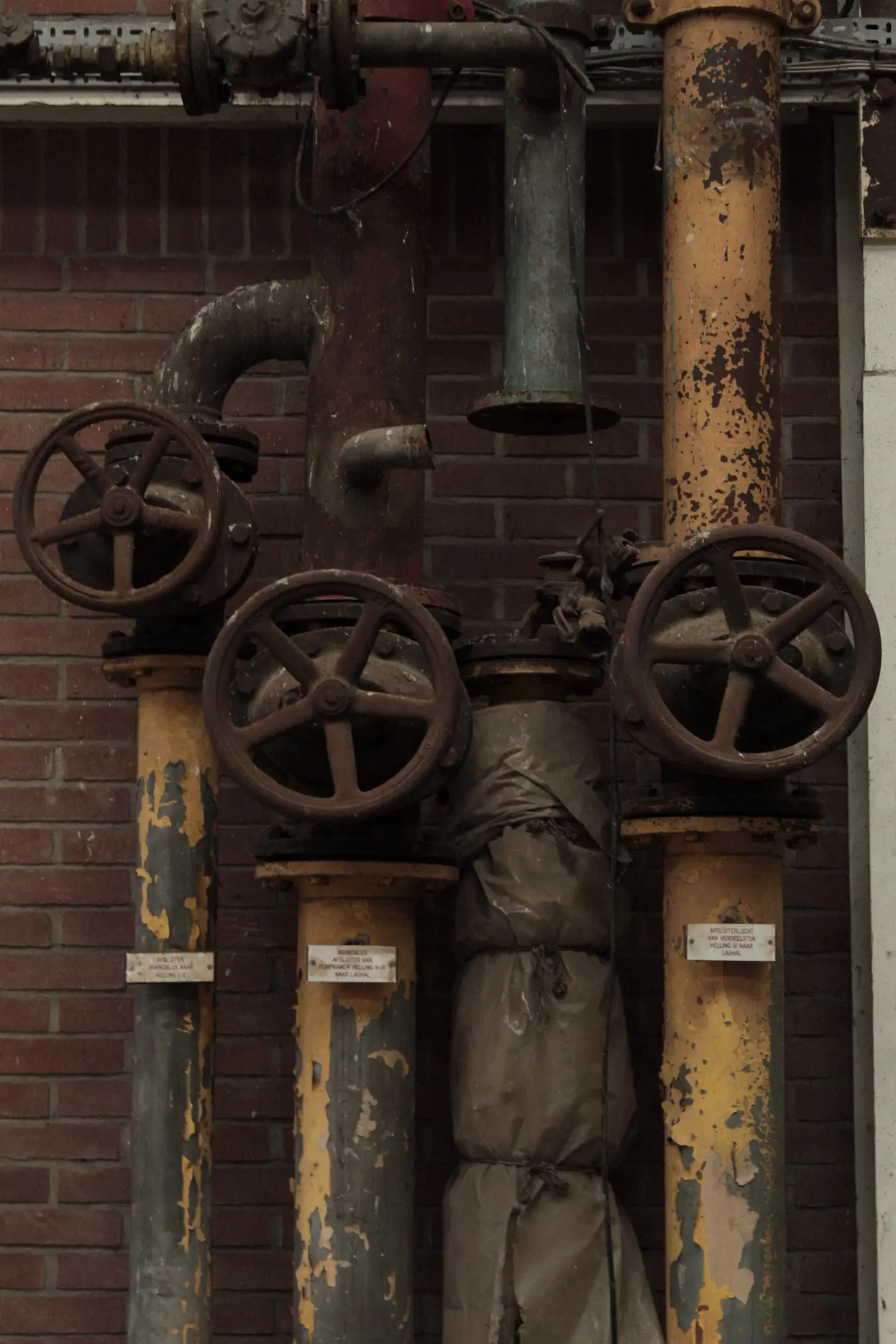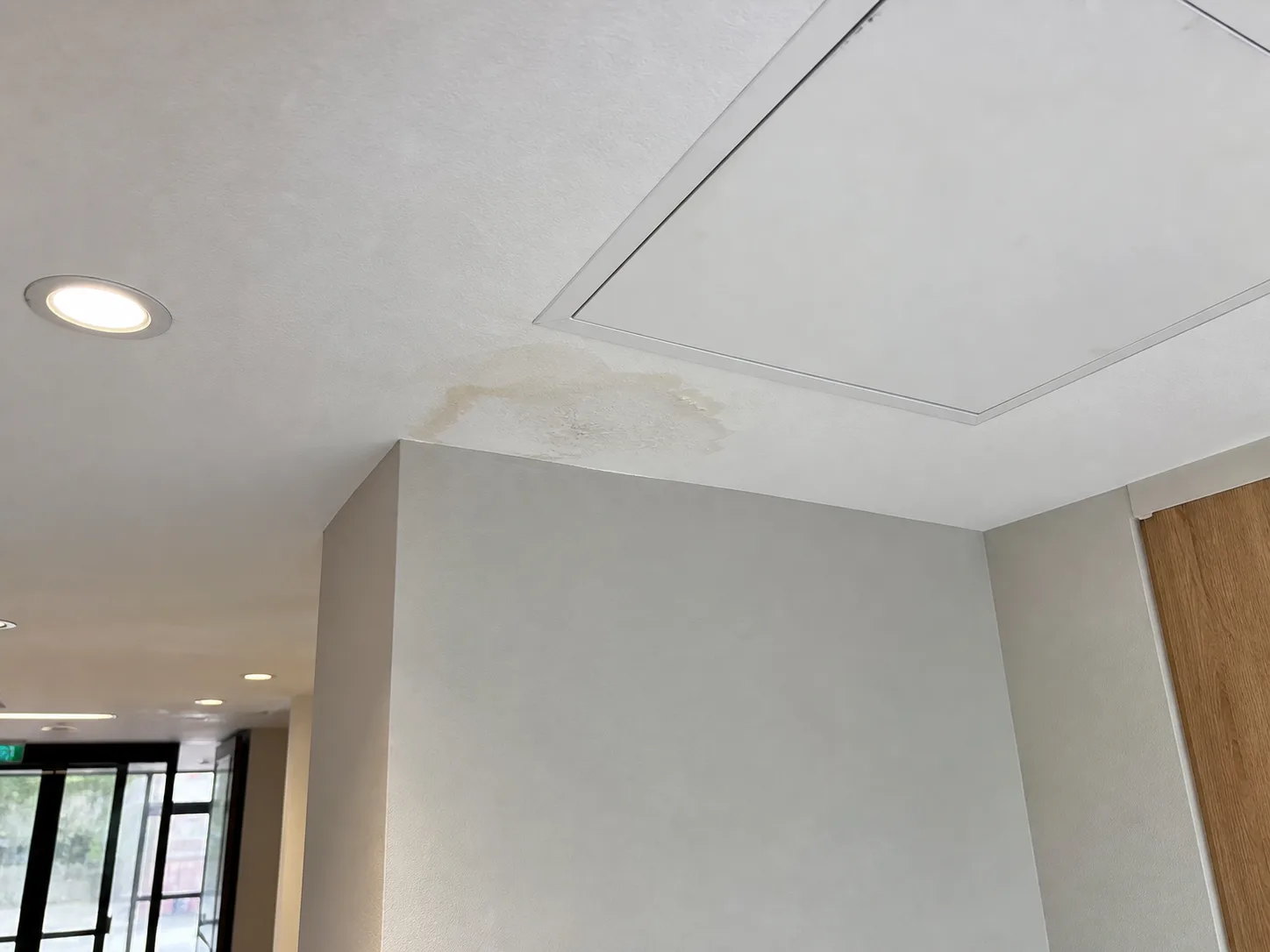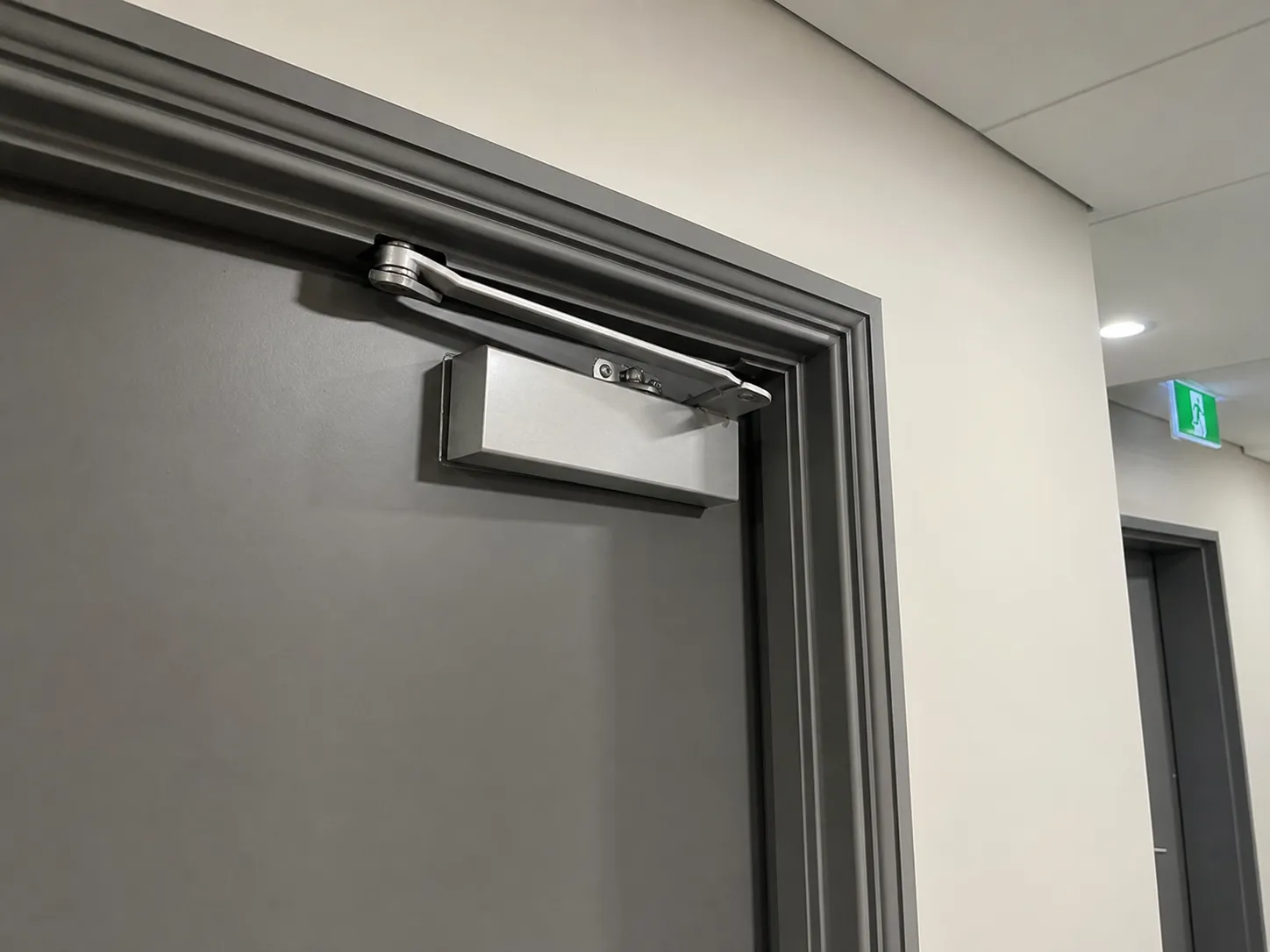
One photo becomes one issue.
Voice context refines that same record instead of creating another one.
ISSUE CAPTURE FOR PROPERTY TEAMS
WHAT TAPLOG IS
Voice context refines that same record instead of creating another one.
Every drafted field remains editable before anyone acts.
Pending mobile uploads stay visible and can be retried when connectivity returns.
CAPTURE IN THE FIELD
1 / 4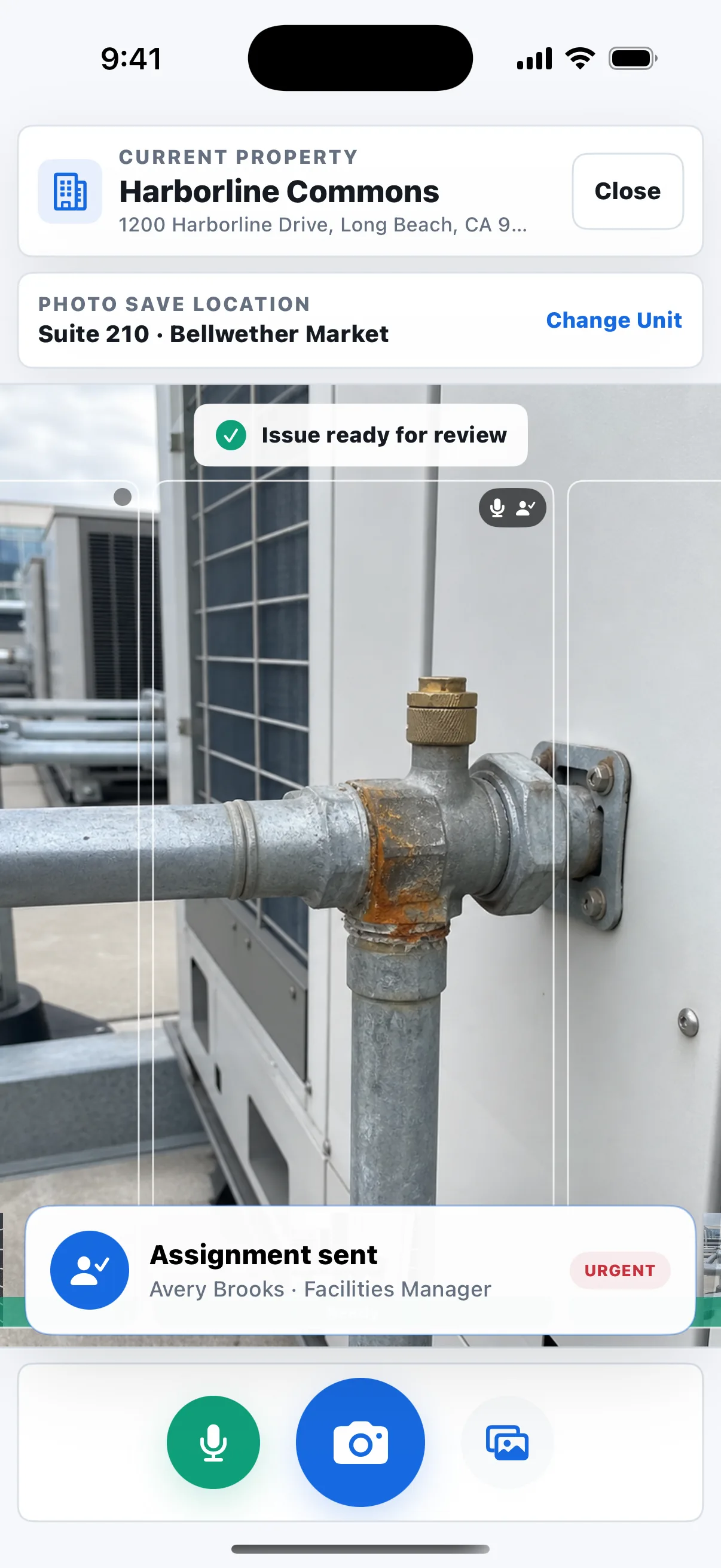
START WITH THE RIGHT PROPERTY
STRUCTURE + COORDINATE
1 / 4THE WALK ORGANIZES ITSELF
03 · OPTIONAL LEASING ADD-ON
OPTIONAL WHERE IT ADDS VALUE The operating issue stays intact as lease responsibility is added.
REPORT + LEARN
1 / 4PHOTO-RICH PDF + CSV
NorthlineProperty Partners
July 1 - July 31, 2026
1 / 4
PORTFOLIO VISIBILITY
PRODUCT DEMO
COMMON QUESTIONS
No. Taplog handles the gap between seeing a condition and having a usable issue to review, assign, and track. Custom integrations are possible for the right workflow.
Yes. The description, recommended action, priority, trade, notes, assignment, status, and cost estimate remain editable.
Pending mobile uploads remain visible and can be retried after an interruption. Processing, assignments, and notifications resume when connectivity returns.
Leasing is an optional add-on for operations where lease terms affect who is responsible for an issue. It generates lease abstracts, shows cited source language, and suggests the next steps while keeping the decision with your team.
BUILT FOR SERIOUS PROPERTY OPERATIONS
Issue capture for property teams
AI does the blank-page work. Your team makes the call. Capture on iPhone, iPad, Android, or the web. Review, assign, track, and report in a browser.
Property management companies
Commercial owners and operators
Facilities and maintenance teams
ISSUES ADDED DURING THE WALKThe Manage queue updates as each capture is ready
WHAT TAPLOG IS
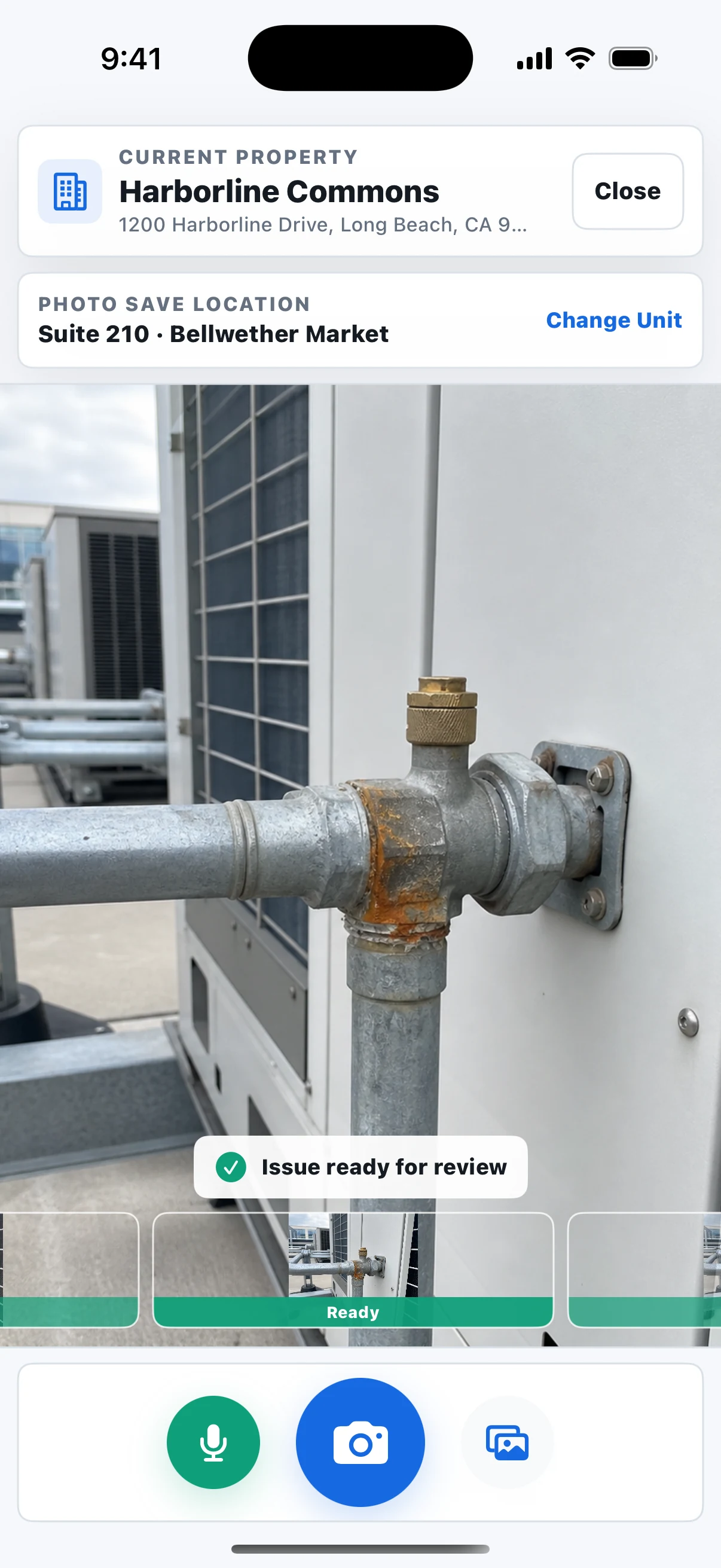
During an inspection or site visit, photograph one condition at a time. Taplog keeps the photo, property, unit, location, and voice context together, then automatically drafts an editable issue in Taplog Manage for review, assignment, tracking, and reporting.
Voice context refines that same issue instead of creating another one.
Every drafted field remains editable before anyone acts.
Pending mobile uploads stay visible. AI drafting, voice processing, assignments, and notifications resume as soon as you are reconnected.
What “Done” means: You no longer have to rebuild a property walk from your camera roll when you get back to the office. Issues are automatically processed and organized as you document them. When you return, you can immediately see what needs action and what your team has already begun. Done refers to field documentation, not repair completion. Acknowledged means the assignee has seen it; status tracks what happens next.
Prefer to watch? Jump to the product demo ↓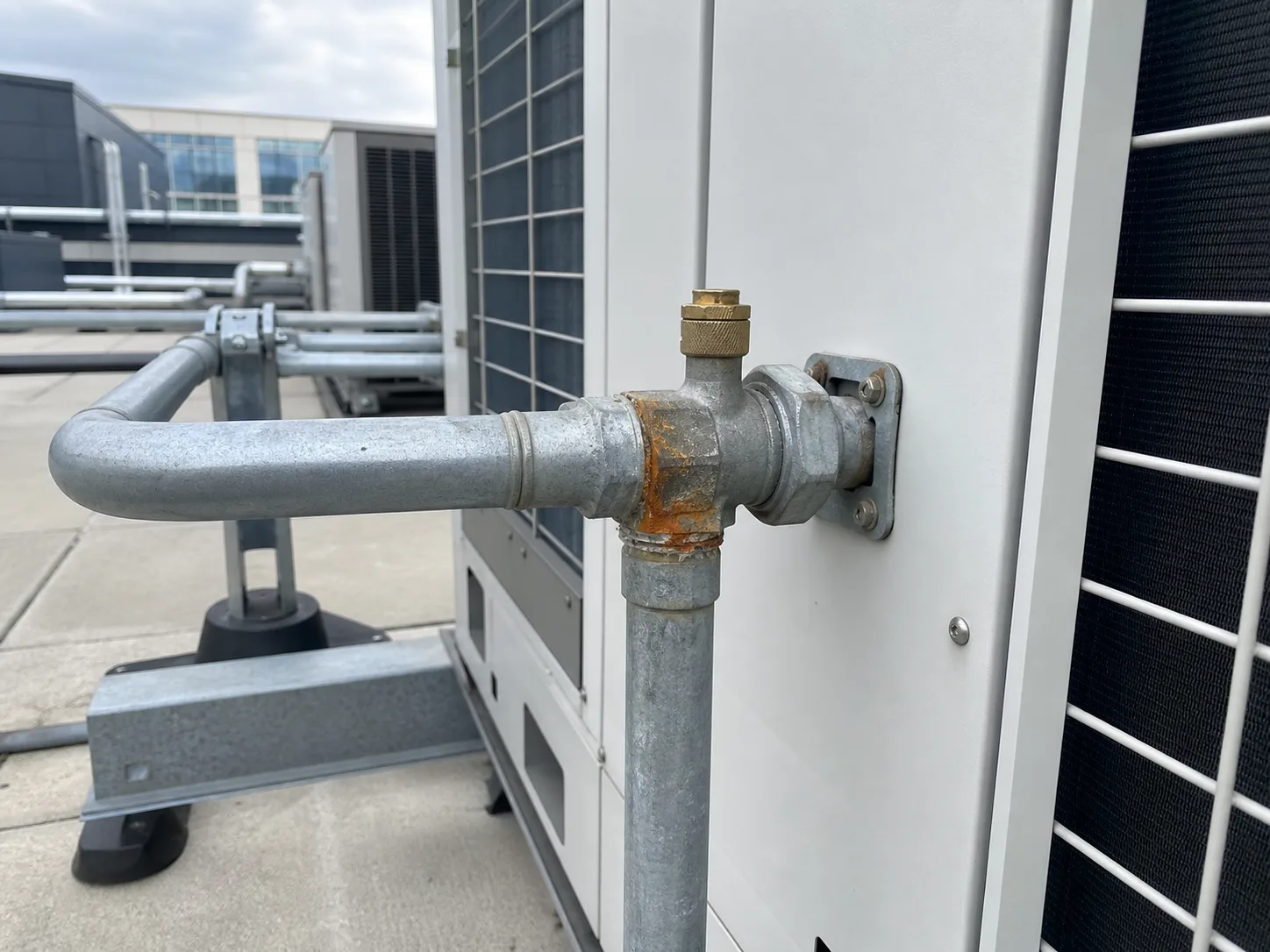
TAPLOG PROPERTY WALK
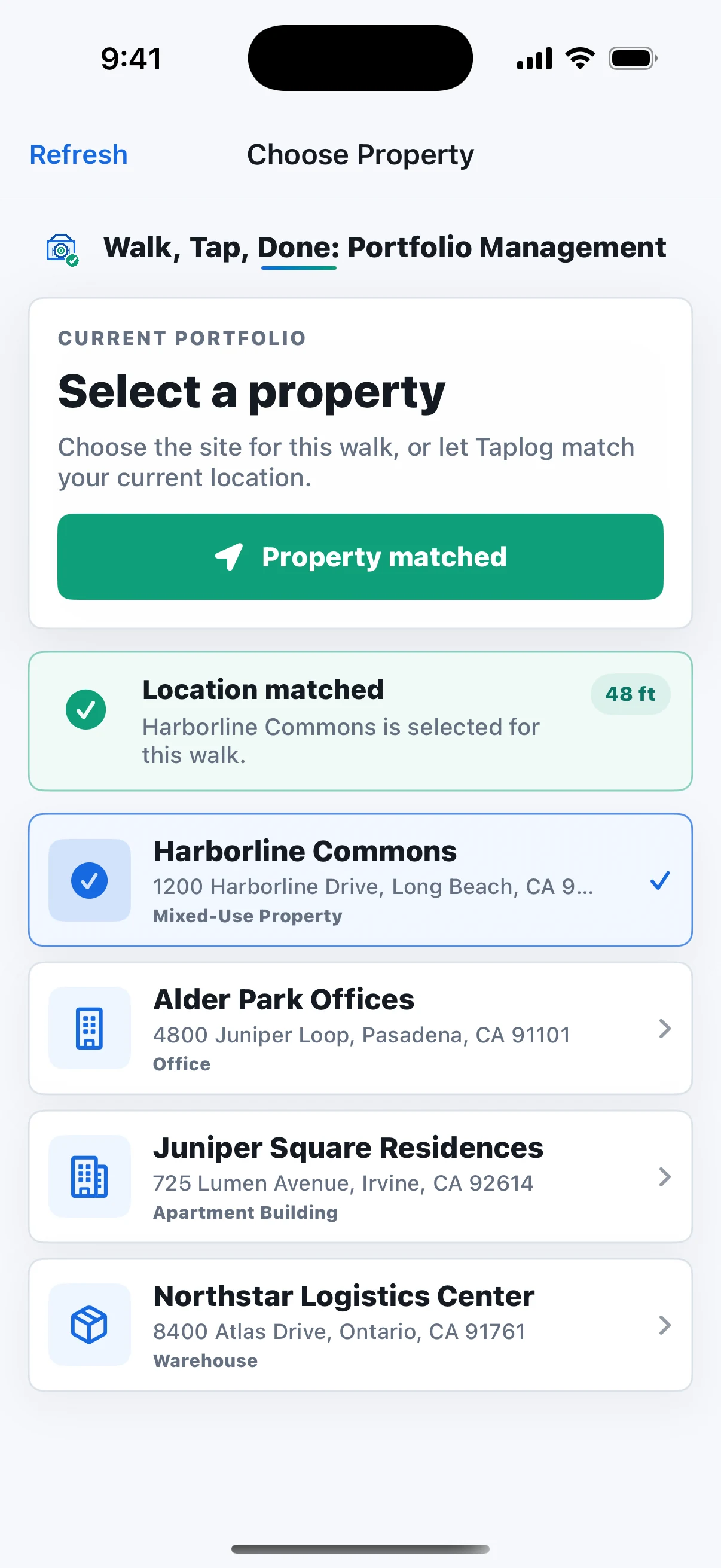
01 · START WITH THE RIGHT PLACE
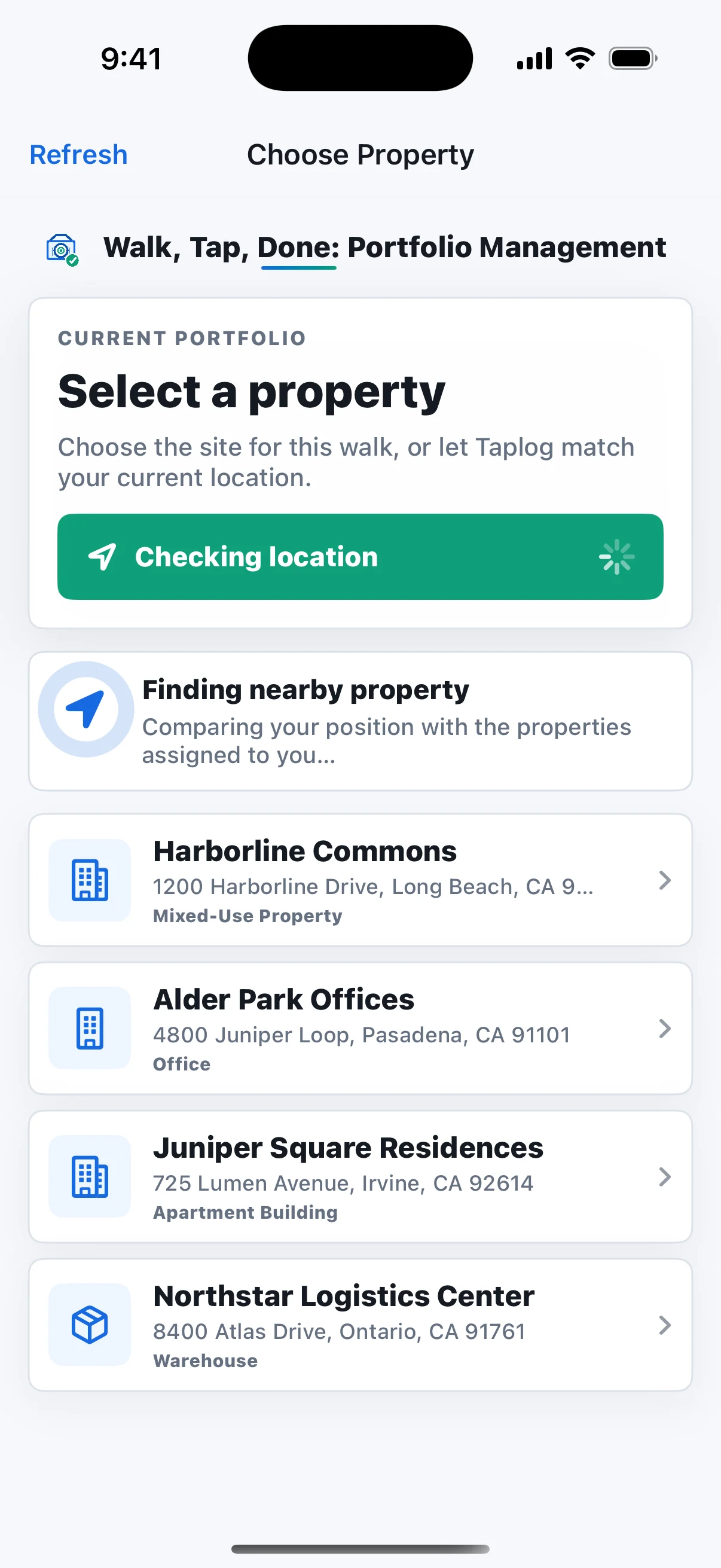
Taplog recognizes which property you are visiting and selects it automatically. If needed, choose a different property from your assigned portfolio. From the first capture forward, the property, author, time, and location stay connected.
LOCATION SUGGESTIONHarborline Commons · selected from your current location
KEEP THE CONTEXT
Taplog keeps each issue grouped under the correct property and unit while it is captured, so the visit is already organized when you return to the office.
PROPERTY + UNITEach capture joins the right property and unit
EXAMPLE PROPERTY
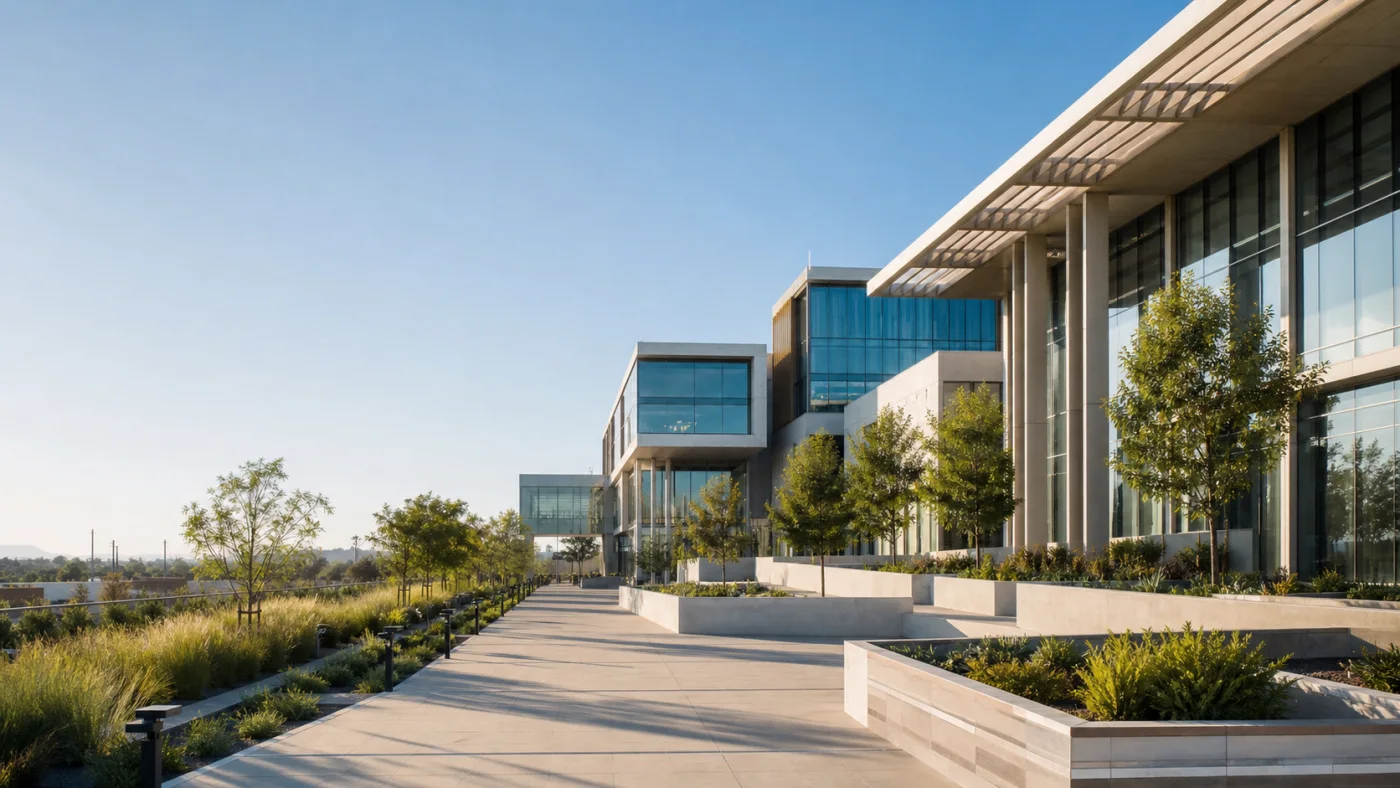
Taplog keeps every condition connected to the exact property and location where it was found. Big or small, each issue becomes visible work instead of another forgotten photo in a large portfolio.
EXAMPLE SCALE340,000 sq ft property → 2 in condition
ONE CONDITION AT A TIME
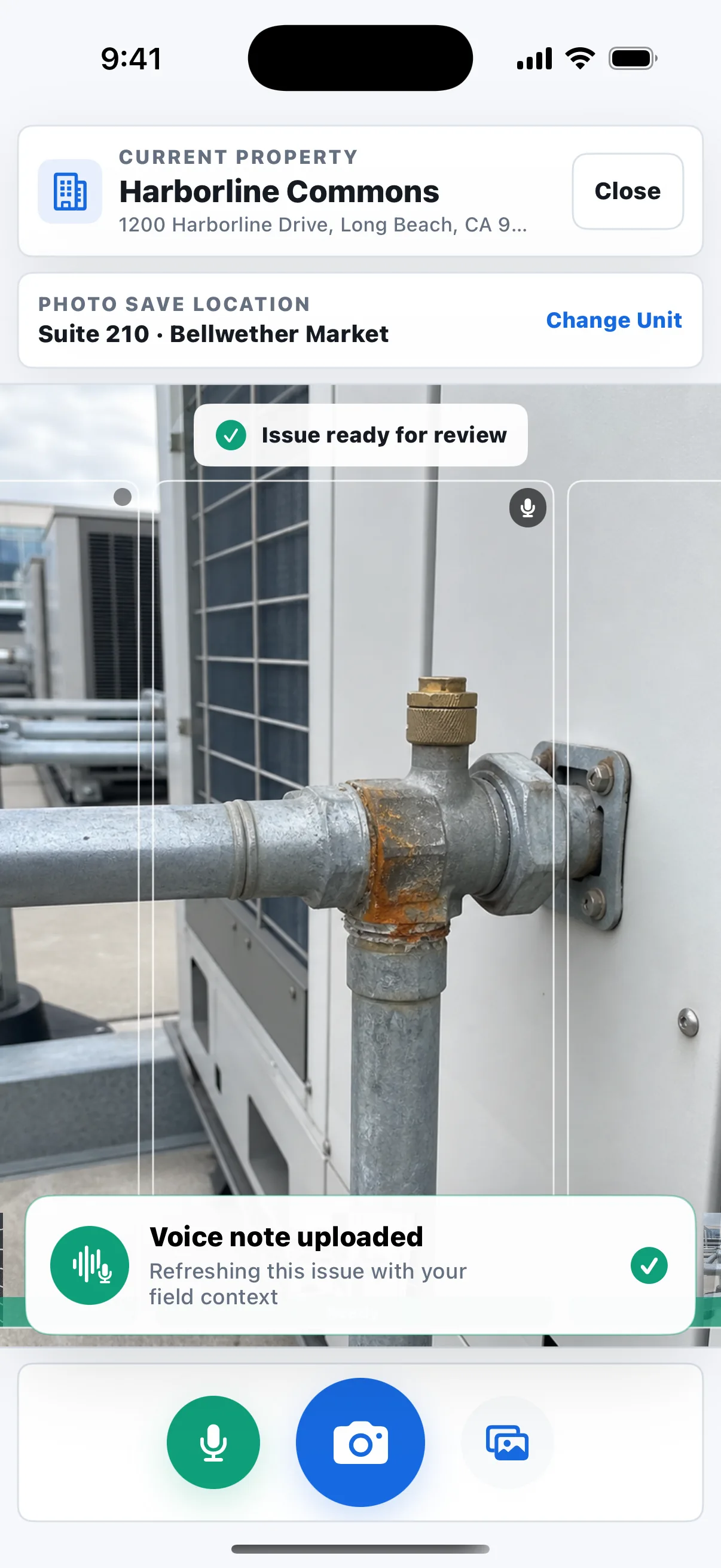
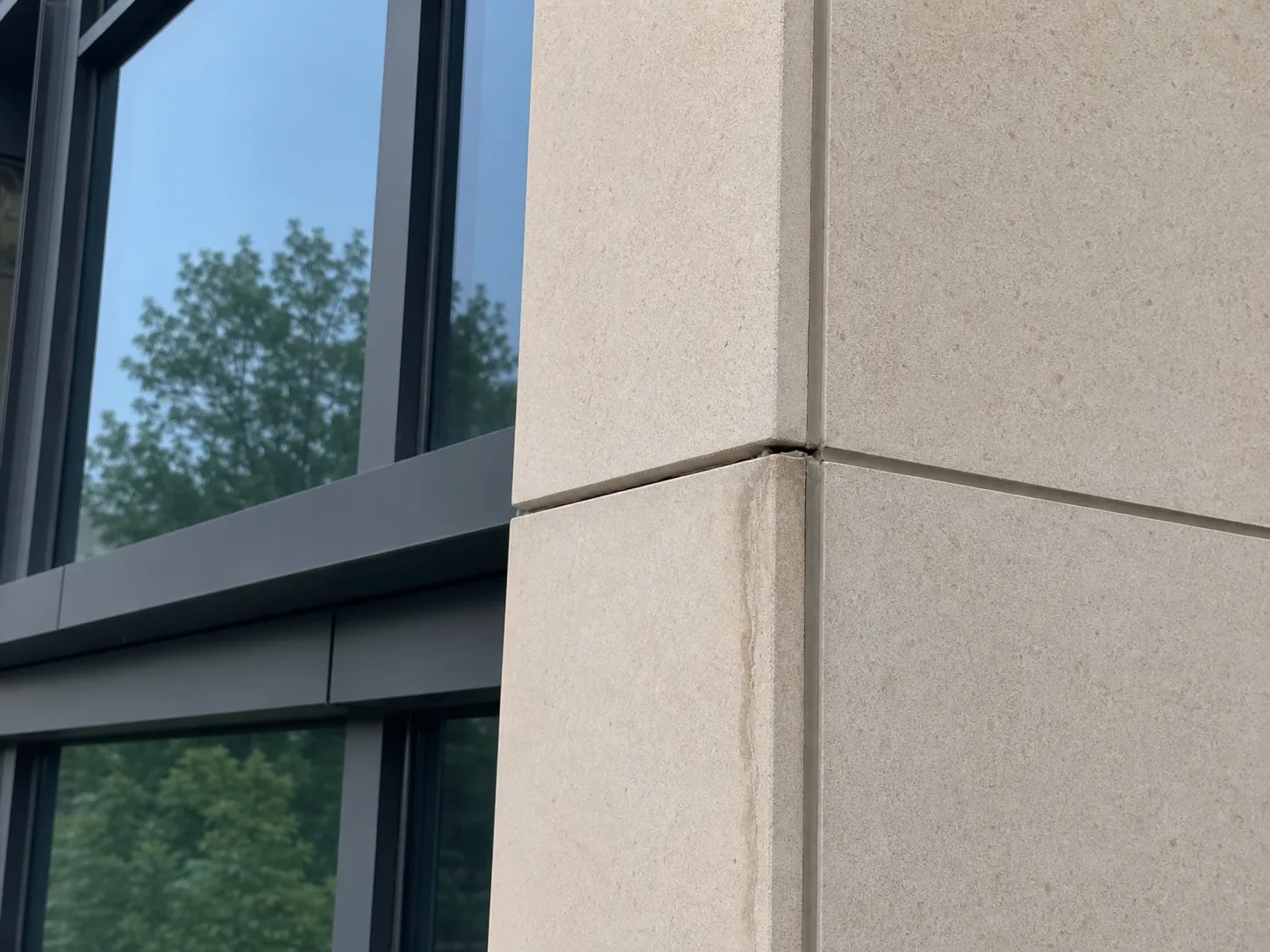
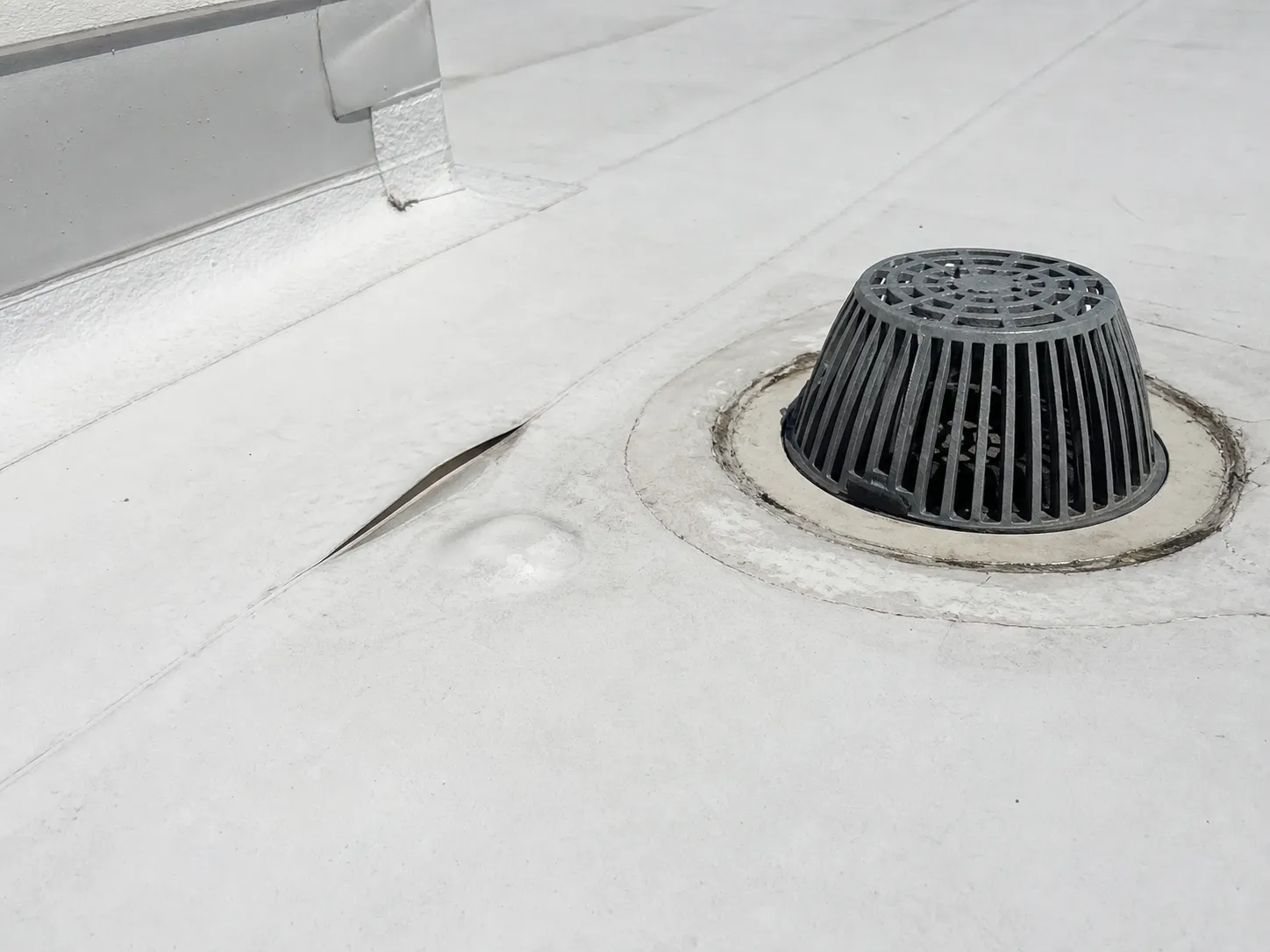
One photo becomes one issue. A quick voice note adds the location, history, or next step. Taplog automatically keeps everything in the same record so you can document the property without breaking stride.
PHOTO + VOICE → READY FOR REVIEWOne condition, one issue, no after-walk reconstruction.
ADD WHAT THE PHOTO CANNOT SHOW
Record a quick voice memo for the latest or selected capture. Taplog keeps it with that photo and uses the location, history, or next-step context to refresh the same issue.
VOICE MEMO → SAME ISSUERecorded in the field and attached to the selected photo
HAND OFF FROM THE FIELD
Choose an eligible team member, add an optional note, and mark it urgent from the phone. The assignment stays connected to the capture and reaches the issue as processing finishes.
FIELD ASSIGNMENTAvery Brooks · note attached · urgent notification
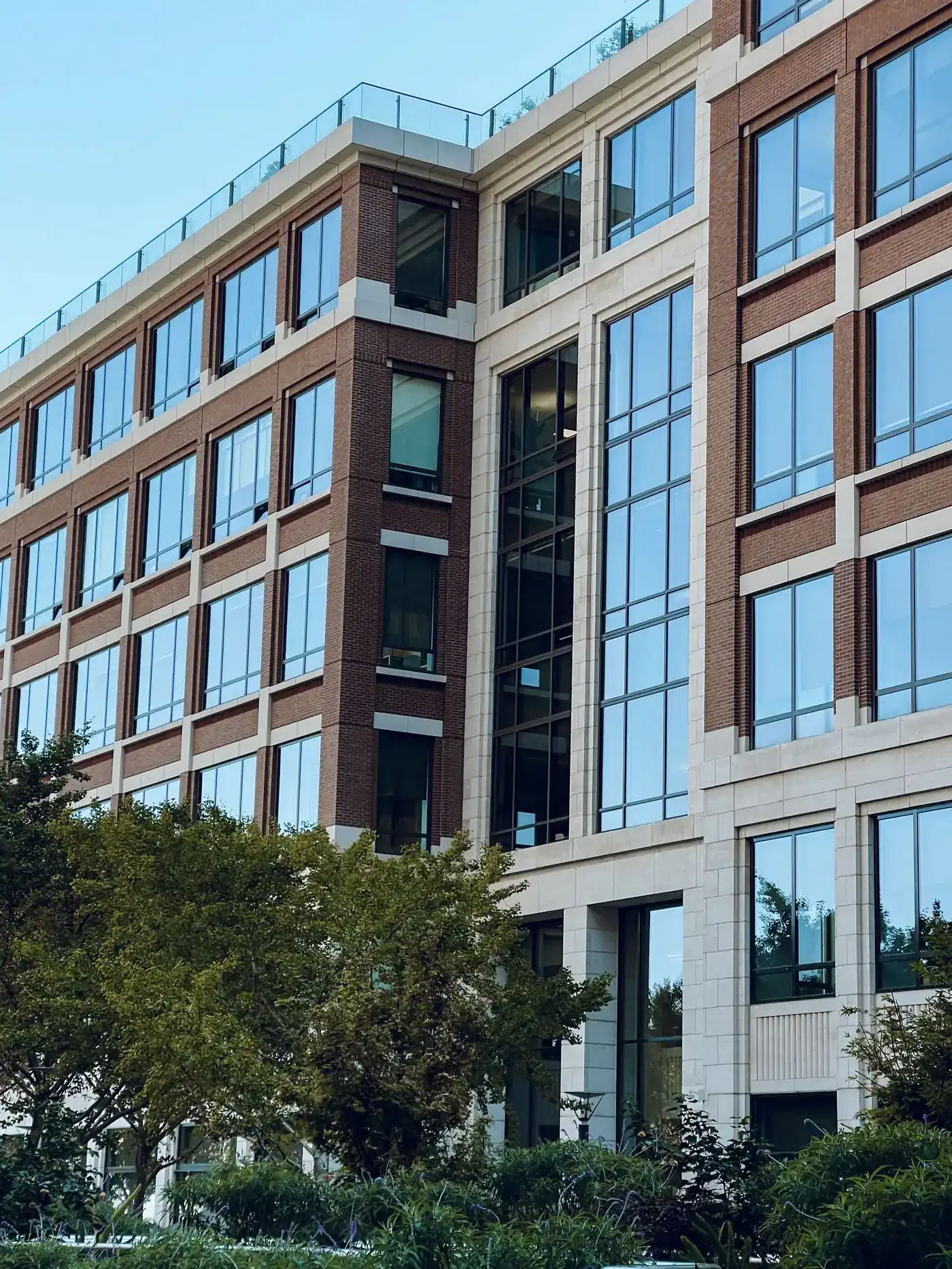
FIELD CAPTURE RECEIVEDHarborline Commons · Roof Level 4
02 · FROM PHOTO TO EDITABLE ISSUE
Taplog automatically turns the original photo and voice context into an editable issue with the property, unit, location, description, priority, recommended action, responsible trade, and other details already attached.
PHOTO → EDITABLE ISSUEOriginal evidence and issue details arrive together
KEEP THE DETAILS TOGETHER
Every issue reaches Taplog Manage under the correct property and unit, with its original evidence and capture details ready for review.
ALREADY ORGANIZEDProperty → unit → issue → original evidence
AI STARTS THE WRITE-UP
Taplog automatically creates a helpful first draft, including the description, recommended action, priority, trade, and cost estimate. Your team refines what needs attention and focuses its expertise on the property, people, and decisions.
A HELPFUL FIRST PASSDescription, action, priority, trade, and cost estimate
READY IN TAPLOG MANAGE
Managers can filter, review, assign, and track issues across the portfolio without sorting photos after the visit.
TAPLOG MANAGESearch, filter, review, assign, and track
03 · PEOPLE MAKE THE DECISIONS
Refine the description, adjust priority or trade, annotate the photo, and add instructions while the original capture remains attached.
HUMAN REVIEWEditable fields, photo annotations, and notes
MAKE OWNERSHIP CLEAR
The assignee receives the photo, issue details, instructions, and next milestone in one place.
CLEAR OWNERSHIPHVAC · Avery Brooks · Friday 3:00 PM
CONFIRM THE HANDOFF
Instead of rebuilding the issue in an email, the assignee sees the photo, details, and instructions in context. Taplog records acknowledgment and keeps quick communication inside the issue.
ACKNOWLEDGMENTSeen by assignee · repair status still in progress
KEEP A CLEAR HISTORY
Activity keeps decisions, assignments, comments, evidence, and status changes together in one time-stamped, searchable record.
ACTIVITY HISTORYTime-stamped decisions, comments, files, and status
04 · OPTIONAL LEASING ADD-ON
THE SAME ISSUE
The issue, evidence, assignment, and Activity stay connected as Taplog opens the relevant lease guidance.
OPTIONAL WHEN IT MATTERSThe operating issue stays intact as lease responsibility is added
TAPLOG LEASING THE SAME ISSUE, NOW WITH THE LEASE CONTEXT ATTACHED
NorthlineProperty Partners
July 1, 2026 - July 31, 2026
Harborline Commons38 issues
Meridian Commerce Park41 issues
Parkline Residences27 issues
Harbor Point Shops22 issues
REPORT WITHOUT REBUILDING
Turn properties, photos, annotations, ownership, Activity, and status into a PDF for owners and boards, or export the underlying issue data to CSV. All in one click.
PDF + CSVLive records → photo-rich report + issue data
FIND THE WORK THAT NEEDS ATTENTION
Compare categories, trades, issue volume, completion, and assignment time at any level. Identify recurring conditions, then open the exact issues and evidence behind the pattern.
FROM PATTERN TO PROOFTrend → property → issue → original photo
PRODUCT DEMO
Now that you have seen the operating model, follow the product itself from photo and voice capture through automatic issue drafting, review, assignment, and portfolio visibility.
Discuss your workflow ↗TAPLOG MANAGE
Search, filter, review, update, and assign issues across the portfolio while preserving the original evidence behind every record.
Filter by property, priority, trade, status, assignee, creator, or date. Use bulk actions for groups of issues, while each assignee can focus on their own work.
Configure your own trades, priorities, and statuses, and attach issues to the appropriate property and unit.
Invite team members, manage organization roles, and limit access to the properties each person is responsible for.
Create photo-rich PDF reports, export issue data to CSV, and include an automatically generated, editable cost estimate when it helps your team plan or prioritize the work.
WHO IT IS FOR
From the person taking the photo to the person reviewing the portfolio, everyone works from the same issue record.
QUESTIONS
No. Taplog turns field observations into organized issues your team can review, assign, and track. For organizations that need Taplog connected to an existing system, custom integrations are possible. Contact us to discuss your requirements.
Taplog is designed for real property walks, where issues do not always appear in a prescribed order. Capture each condition as it is found, and Taplog organizes the work automatically.
Yes. Taplog creates an editable first draft. Your team can change the description, recommended action, category, priority, trade, notes, status, assignment, and cost estimate in Manage.
Pending mobile uploads stay visible and can be retried after an interruption. Processing, assignments, and notifications resume when you reconnect.
Leasing is an optional add-on for operations where lease terms affect who is responsible for an issue. It generates lease abstracts, shows cited source language, and suggests the next steps while keeping the decision with your team.
We onboard teams directly. Email hello@taplog.ai with your approximate property count, team size, who performs inspections or site visits, and what currently happens to the photos.
SEE TAPLOG WITH YOUR WORKFLOW